The golden age.
Back in your hands.
Big adventures. Small screens. All over again.
A Game Boy Advance emulator for your own GBA, GBC & GB games.
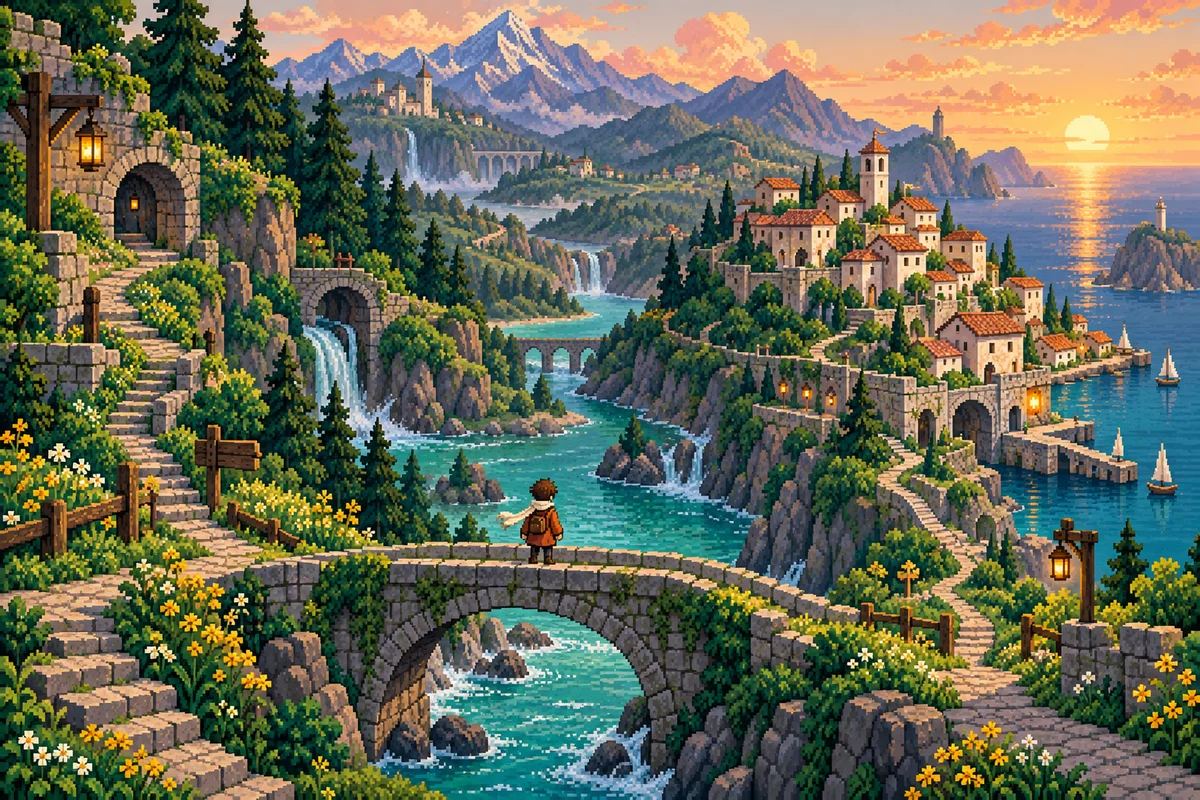 SUNWARD / ORIGINAL ART
PLAY ON.
One app.
Three generations.
From four shades of green to worlds full of color. Your handheld favorites have a new home on Android.
GBA
↗Full-color worlds. Bigger possibilities.
GBC
↗Bright palettes. Familiar magic.
GB
↗Four shades. Endless imagination.
Import your own compatible game files. No commercial games are included or linked.
Sunlit Village
GBA▶ Resume
STAY CLOSE.
All your worlds.
One happy place.
That adventure you never finished. The game you always come back to. Bring them together in a library that feels like yours.
- 01
Right where you left off
Continue Playing puts your latest session one tap away.
- 02
Keep your favorites close
Star a game, then find it in Favorites. Recent Games keeps the rest in reach.
- 03
A little order. A lot of adventure.
Search your library, filter by system, and browse the two-column grid.
Made for your
muscle memory.
Familiar buttons. Your kind of comfort. Move and resize touch controls, with separate layouts for portrait and landscape.
Explore controls →Connect. Play. Settle in.
Controller input with the standard gamepad mapping. Your favorite way to play, supported.
Life happens.
Your adventure waits.
One more level can wait. Keep a checkpoint with Quick Save, or leave your game and let Auto Resume take care of your latest session.
- 01Play a little.
- 02Keep a Quick Save.
- 03Leave. Come back. Carry on.
Moving between emulators? Import and export the game’s own save file. Your Quick Save is a separate checkpoint.
Your progress, explained →Your pace.
Your pixels.
Take the scenic route. Or skip the wait.
Try the speed and display demo below.
Original illustrative demo · normal speed.
The app’s Fast button: 1x ↔ 2x.
Choose 4x in Game Settings.
Pixel Perfect or Smooth.
Set the image style for each game.
Illustrative motion and filtering.
Actual gameplay depends on your game.
A new perspective.
The same great escape.
Upright on the go. Wide when you settle in.
Separate touch layouts make room for both.
SUNWARD / ORIGINAL ARTSUNWARD / ORIGINAL ARTApp layouts recreated. Original fictional artwork.
YOUR RULES.✦
Little settings.
Big difference.
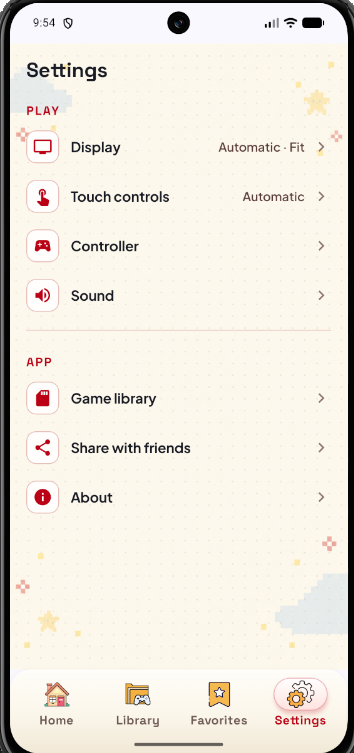
Fine-tune the picture, sound and controls. Keep the experience comfortable, game after game.
A little help, when you want it.
Open Cheats from the gameplay bar or pause menu. Add, edit, enable or disable cheats, organized per game.
Explore cheats →Real app Settings screenshot. Cheat compatibility depends on the game and code type.
Remember when
one small screen
held an entire world?
That feeling still fits in your pocket.
Bring your games.
We’ll bring the nostalgia.
- 01
Open the app
A short introduction gets you started on Android.
- 02
Add your games
Tap Add Games and choose your own compatible files or a folder.
- 03
Find your escape
Pick a game and play. Your latest session is saved when you leave.
Does the app include games?
Can I play GBC games on a GBA emulator?
Is GBA Emulator only for Android?
Can I use a controller?
How do saves work?
Good times.
Ready to resume.
Your own retro games. A whole new chapter on Android.